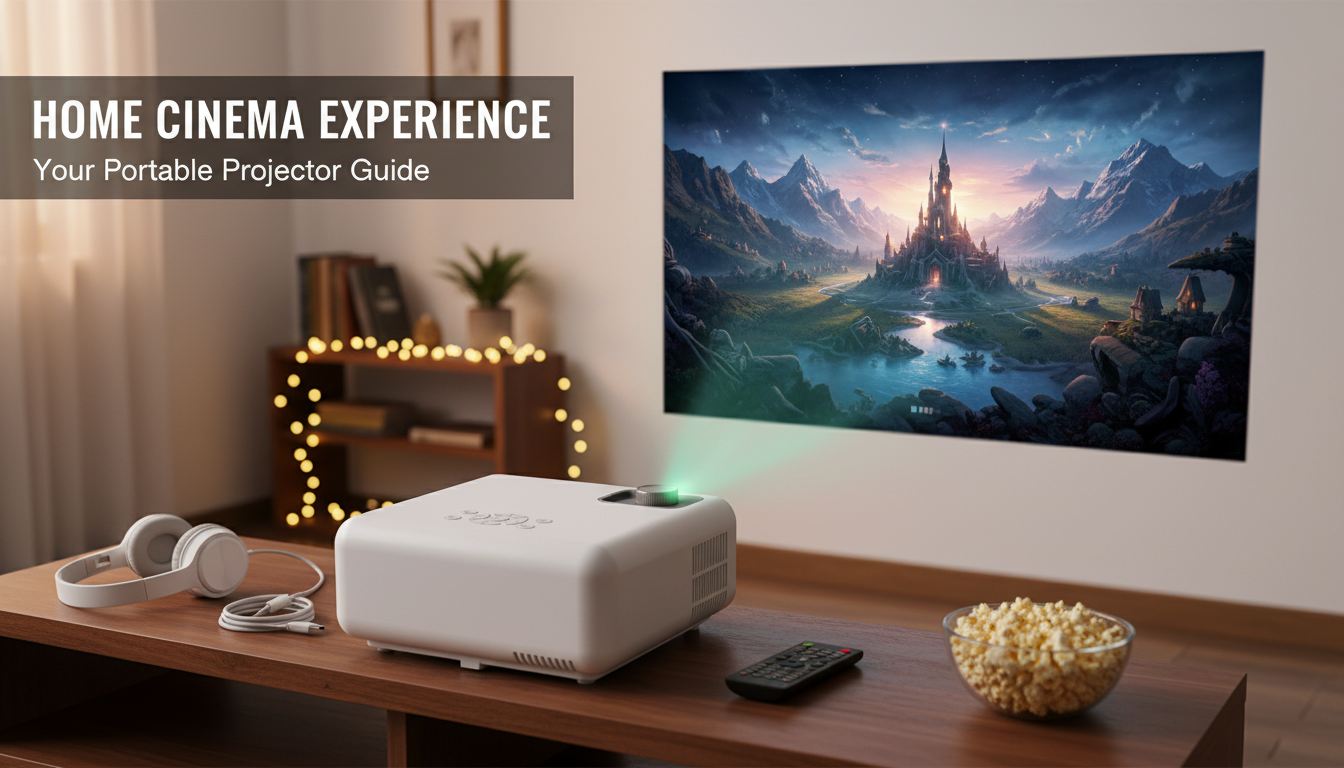
Yes. Many portable projectors include a full-size HDMI port (Type A), letting you plug in laptops, streaming sticks, game consoles, and Blu-ray players with a standard HDMI cable. HDMI is one of the most common inputs on travel-sized and mini projectors because it delivers both high-quality video and audio through a single connection.
Before buying, check the product photos for a labeled “HDMI” port and read the specs for “HDMI input” (some models list it as “HDMI 1.4/2.0” or “HDMI IN”). Also watch for phrasing like “supports HDMI devices,” which can be vague—make sure it’s an actual physical input on the projector, not just screen mirroring.
HDMI makes portable projectors flexible for everyday use. Common plug-in options include:
If the projector has only one HDMI port and you plan to swap devices often, an inexpensive HDMI switch can help. For phones and tablets, HDMI may still work, but you’ll usually need the right adapter (such as USB-C to HDMI, or Lightning to HDMI).
Use a short, good-quality HDMI cable to reduce signal issues in tight spaces. If your projector is battery-powered, remember that HDMI sources (like streaming sticks) may need power too—look for a USB port on the projector or plan on using a wall adapter or power bank. Also confirm audio handling: some projectors play HDMI audio through built-in speakers, while others may sound better via Bluetooth or a wired speaker.
For a deeper look at what to check—ports, adapters, and real-world connectivity—visit the full guide here: https://chicvow.com/is-there-a-portable-projector-that-has-an-hdmi/.
Yes, but the easiest method depends on the phone. Many Android phones can use a USB-C to HDMI adapter if the device supports video output, while iPhones typically require a Lightning to HDMI adapter; wireless casting can work too, but it may add lag.





Leave a comment